Introduction to GPU Benchmarking
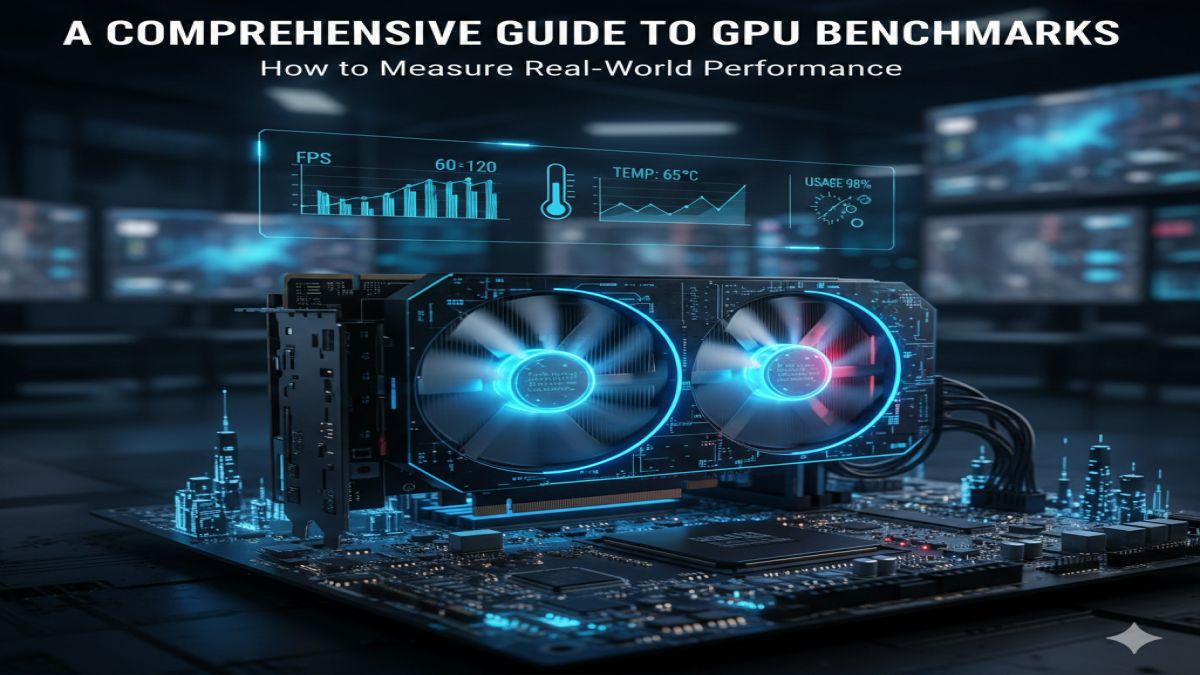
Graphics Processing Unit (GPU) benchmarking is the process of evaluating and comparing the performance of different graphics cards through standardized tests. Whether you’re building a gaming PC, setting up a workstation for content creation, or selecting components for scientific computing, understanding GPU benchmarks is essential for making informed purchasing decisions.
Why GPU Benchmarks Matter
Modern GPUs are complex pieces of technology with varying capabilities across different price points and generations. Benchmarks provide objective, quantitative data that helps:
- Compare performance between different models and brands
- Identify value for money across price segments
- Determine suitability for specific applications (gaming, AI, rendering)
- Track performance improvements across GPU generations
Types of GPU Benchmarks
1. Synthetic Benchmarks
Synthetic tests like 3DMark, Unigine Heaven, and FurMark stress GPUs in controlled environments with standardized scenes. These are excellent for:
- Comparing raw computational power
- Testing stability and thermal performance
- Extreme stress testing (not recommended for routine use)
2. Game-Based Benchmarks
Built into many modern games or measured manually, these provide the most realistic performance data for gamers. Popular titles with excellent built-in benchmarks include:
- Shadow of the Tomb Raider
- Red Dead Redemption 2
- Cyberpunk 2077
- Assassin’s Creed Valhalla
3. Application-Specific Benchmarks
For professional users, benchmarks like SPECviewperf (CAD), Blender Open Data (rendering), and MLPerf (machine learning) measure performance in real-world workloads.
Key Performance Metrics to Consider
1. Frames Per Second (FPS)
The most important metric for gamers, representing how many frames the GPU can render per second:
- 30 FPS: Minimum for playability
- 60 FPS: Smooth gameplay target
- 120+ FPS: Competitive gaming and high refresh rate monitors
- 1% and 0.1% Lows: Minimum FPS measurements that indicate smoothness consistency
2. Resolution and Settings Scaling
Modern benchmarks should test performance at:
- 1080p (Full HD): Entry-level and esports testing
- 1440p (QHD): Sweet spot for most gamers
- 4K (Ultra HD): High-end GPU territory
- Ray Tracing performance: Modern feature testing
- DLSS/FSR performance: Upscaling technology evaluation
3. Power Efficiency
Performance per watt has become increasingly important:
- Power Consumption (Watts)
- Performance per Watt (FPS per watt)
- Thermal Performance (temperature under load)
Current GPU Benchmark Leaders (Late 2024)
Gaming Performance (4K Ultra Settings)
High-End Tier:
- NVIDIA RTX 4090: Still dominates 4K gaming
- AMD RX 7900 XTX: Strong rasterization performance
- NVIDIA RTX 4080 Super: Excellent balance of performance and features
Mid-Range Tier:
- NVIDIA RTX 4070 Super: Excellent 1440p performance
- AMD RX 7800 XT: Strong value at 1440p
- NVIDIA RTX 4070: Good ray tracing performance
Budget Tier:
- NVIDIA RTX 4060: Efficient 1080p gaming
- AMD RX 7600: Competitive 1080p performance
- Intel Arc A750: Surprisingly good value proposition
How to Properly Benchmark Your GPU
Step-by-Step Testing Protocol:
- Update drivers to latest stable versions
- Close background applications that could interfere
- Monitor temperatures using tools like HWiNFO or GPU-Z
- Run multiple passes to ensure consistent results
- Test at your target resolution and settings
- Compare results with trusted review sources
Recommended Benchmark Suite:
- 3DMark Time Spy/DLSS test (synthetic)
- Unigine Superposition (synthetic)
- 2-3 modern game benchmarks at your target resolution
- Power monitoring during all tests
Interpreting Benchmark Results
What Matters Most:
- Your specific use case: A GPU that’s best for 4K gaming might not be best for 1080p esports
- Price-to-performance ratio: Performance divided by cost
- Future-proofing considerations: New features (ray tracing, frame generation)
- Platform compatibility: CPU bottleneck considerations
Common Pitfalls to Avoid:
- Don’t rely on single benchmark results
- Consider driver maturity (especially for new releases)
- Factor in power supply requirements and case cooling
- Remember that synthetic benchmarks don’t always reflect real-world performance
Emerging Trends in GPU Benchmarking
1. AI-Enhanced Features Testing
Modern benchmarks must evaluate:
- DLSS 3/FSR 3 frame generation
- Ray tracing reconstruction techniques
- AI-accelerated features in creative applications
2. Professional Workload Evaluation
With GPUs increasingly used for:
- AI model training and inference
- Real-time rendering
- Scientific computing
- Video encoding/streaming
3. Efficiency-Focused Metrics
As electricity costs rise and environmental concerns grow:
- Idle power consumption
- Multi-monitor efficiency
- Performance-per-watt across workload types
Conclusion: Making Informed Decisions
GPU benchmarks are essential tools, but they’re just one part of the decision-making process. Consider:
- Your actual needs rather than just top benchmark numbers
- Total system cost including adequate power supply and cooling
- Feature requirements like AV1 encoding or specific professional application support
- Long-term value considering driver support and future game optimization
Remember that the “best” GPU is the one that best meets your specific needs, fits your budget, and works optimally within your complete system configuration. Regular benchmarking after purchase also helps ensure your GPU continues performing as expected throughout its lifespan