
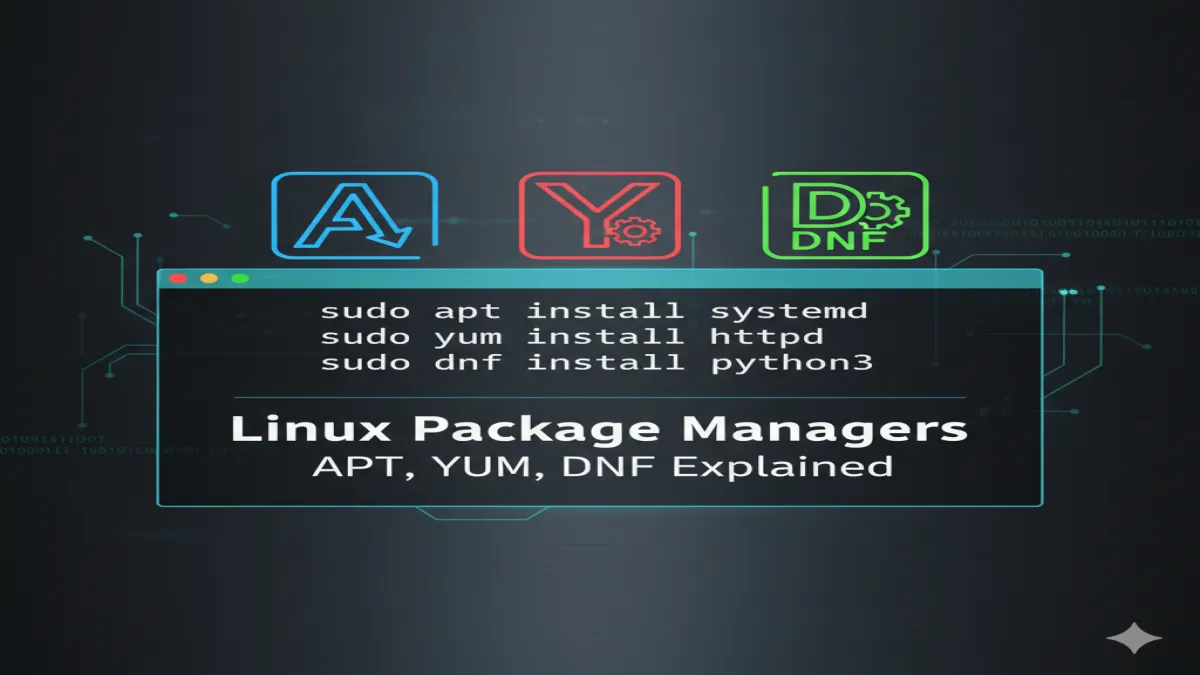
How to Install and Remove Software in Linux:Linux offers multiple ways to install and manage software, depending on your distribution (distro). If you are new to Linux, terms like apt, yum, and dnf may sound confusing. But don’t worry—this guide will explain everything in detail so you can easily install, update, and remove applications on your Linux system.
Table of Contents
How to Install and Remove Software in Linux:Package Managers in Linux
A package manager is a tool that helps you install, update, configure, and remove software. Instead of manually downloading and compiling programs, package managers fetch them from online repositories and handle dependencies automatically.
The most common package managers are:
- APT (Advanced Package Tool) → Used in Debian-based distros like Ubuntu, Linux Mint, Pop!_OS.
- YUM (Yellowdog Updater, Modified) → Used in older RHEL/CentOS systems.
- DNF (Dandified YUM) → The modern replacement for YUM, used in Fedora, CentOS 8+, RHEL 8+.
🔹 Installing and Removing Software with APT (Debian/Ubuntu)
If you are using Ubuntu, Debian, or Mint, you’ll use apt.
1. Update Package Repository
Before installing new software, always update your package list:
1. Update Package Repository
Before installing new software, always update your package list:
sudo apt update
2. Install Software
Example: Installing Firefox
sudo apt install firefox
3. Remove Software
If you no longer need the software:
sudo apt remove firefox
4. Remove Software with Config Files
To remove the application and its configuration files:
sudo apt purge firefox
Clean Unused Packages
sudo apt autoremove
👉 Tip: Always combine apt update && apt upgrade regularly to keep your system secure and up-to-date.
🔹 Installing and Removing Software with YUM (Older RHEL/CentOS)
If you are on an older CentOS 7 / RHEL 7, you’ll be using yum.
1. Update Repositories
sudo yum update
2. Install Software
Example: Installing Apache web server
sudo yum install httpd
3. Remove Software
sudo yum remove httpd
4. Check Installed Package Info
yum info httpd
👉 Note: YUM is considered deprecated in newer versions. Modern distros now use dnf.
🔹 Installing and Removing Software with DNF (Fedora, CentOS 8+, RHEL 8+)
dnf is the next-generation package manager that replaced yum.
1. Update Repositories
sudo dnf update
2. Install Software (Example: Git)
sudo dnf install git
3. Remove Software
sudo dnf remove git
4. Get Package Info
dnf info git
5. Search for a Package
dnf search nginx
🔹 Difference Between apt, yum, and dnf
| Feature | APT (Debian/Ubuntu) | YUM (CentOS/RHEL 7) | DNF (Fedora/RHEL 8+) |
|---|---|---|---|
| Speed | Fast | Moderate | Faster (better deps) |
| Syntax | apt install | yum install | dnf install |
| Updates | apt upgrade | yum update | dnf upgrade |
| Status | Actively used | Deprecated | Modern replacement |
🔹 GUI Software Centers
If you are not comfortable with the command line, most Linux distros come with a GUI Software Center:
- Ubuntu → Ubuntu Software Center
- Fedora → GNOME Software
- Linux Mint → Software Manager
These let you search, install, and remove apps with just a click.
🔹 Final Tips for Beginners
- Always run update before installing packages.
- Use
searchif you don’t know the exact package name (apt search,dnf search). - For critical software, check the version with
info. - Learn the difference between
removeandpurgeinapt.




1 thought on “How to Install and Remove Software in Linux (apt, yum, dnf Explained)”