What is Linux?
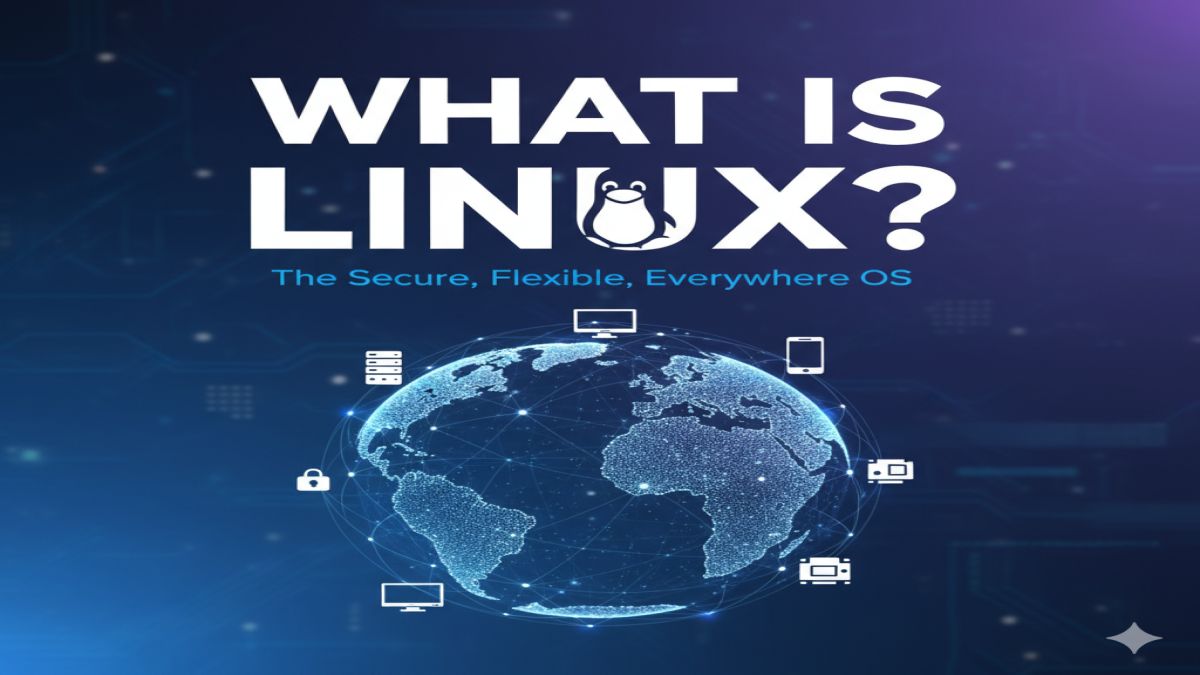
Linux is a free, open-source operating system (OS) built on the Unix architecture. It acts as the interface between a computer’s hardware and the software you use. Unlike proprietary operating systems such as Microsoft Windows and Apple macOS, Linux is completely open for anyone to use, modify, and distribute.
Originally created by Linus Torvalds in 1991, Linux has grown into one of the most widely used OS platforms in the world, powering everything from desktops and laptops to smartphones, servers, routers, smart TVs, and supercomputers.
History of Linux
The Linux project started in 1991 when Finnish student Linus Torvalds announced he was building a new, free operating system kernel. He combined it with GNU tools to create what we now know as the GNU/Linux operating system.
Today, Linux is maintained by thousands of developers around the world and has become the foundation for major tech ecosystems like Android, Chrome OS, and many cloud platforms.
How Linux Works
At its core, Linux consists of the following components:
- Kernel – The brain of the OS, handling communication between hardware and software.
- Shell – The interface that allows users to interact with the OS via commands.
- File System – Organizes data and files in a hierarchical structure.
- System Libraries – Help programs communicate with hardware.
- User Interfaces – Either command-line (CLI) or graphical (GUI), like GNOME, KDE, or XFCE.
Popular Linux Distributions
Linux comes in many “flavors” known as distributions (distros). Each distro is a bundle that includes the Linux kernel, system tools, package managers, and optional GUIs.
Here are some of the most popular Linux distros:
| Distro | Best For |
|---|---|
| Ubuntu | Beginners, general users |
| Debian | Stability, servers |
| Fedora | Developers, cutting-edge users |
| Linux Mint | Windows-like interface |
| Arch Linux | Advanced users, custom setups |
| CentOS/RHEL | Enterprise environments |
Why Use Linux? Top Benefits
1. Free and Open Source
Linux is 100% free. There are no license fees, and you can modify the system however you like.
2. Enhanced Security
Linux is less vulnerable to malware and viruses. Regular updates and strong user permissions make it ideal for secure environments.
3. Stability and Reliability
Servers and systems running Linux can operate for years without rebooting, making it perfect for uptime-critical applications.
4. Customizability
You can control everything — from your desktop appearance to your file system structure and kernel configuration.
5. Performance Efficiency
Linux runs efficiently even on older hardware. You don’t need the latest machine to run Linux smoothly.
6. Ideal for Developers and IT Professionals
Linux supports almost all programming languages, tools, and frameworks. It’s widely used in development, DevOps, and server administration.
7. Large and Supportive Community
Help is always available via forums, documentation, Reddit, Stack Overflow, and countless blogs and tutorials.
8. Privacy-Friendly
Unlike many commercial OSes, Linux doesn’t track your activity or harvest personal data.
Linux vs Windows vs macOS
| Feature | Linux | Windows | macOS |
|---|---|---|---|
| Cost | Free | Paid | Paid (with Mac) |
| Customizable | Highly | Limited | Very limited |
| Open Source | Yes | No | No |
| Security | Very High | Moderate | High |
| Resource Usage | Low | High | Medium |
| Gaming | Improving | Excellent | Good |
| Software Availability | Growing | Extensive | Good |
Who Should Use Linux?
- Students & Learners – Great for understanding how operating systems work.
- Software Developers – Preferred for its terminal, tools, and language support.
- System Admins & DevOps Engineers – Industry standard for servers and cloud.
- Businesses – Scalable and cost-effective infrastructure.
- Everyday Users – Especially those who prioritize privacy, control, and efficiency.
Is Linux Hard to Use?
Not anymore. While early versions required command-line skills, modern Linux distributions like Ubuntu, Linux Mint, and Zorin OS are very user-friendly. With app stores, graphical interfaces, and driver support, Linux can be used comfortably even by beginners.
How to Get Started with Linux
- Choose a Distro – Ubuntu is a great starting point for beginners.
- Create a Bootable USB – Use tools like Rufus or BalenaEtcher.
- Try a Live Session – Run Linux directly from the USB without installing.
- Install on Your PC – Dual-boot with Windows or do a full install.
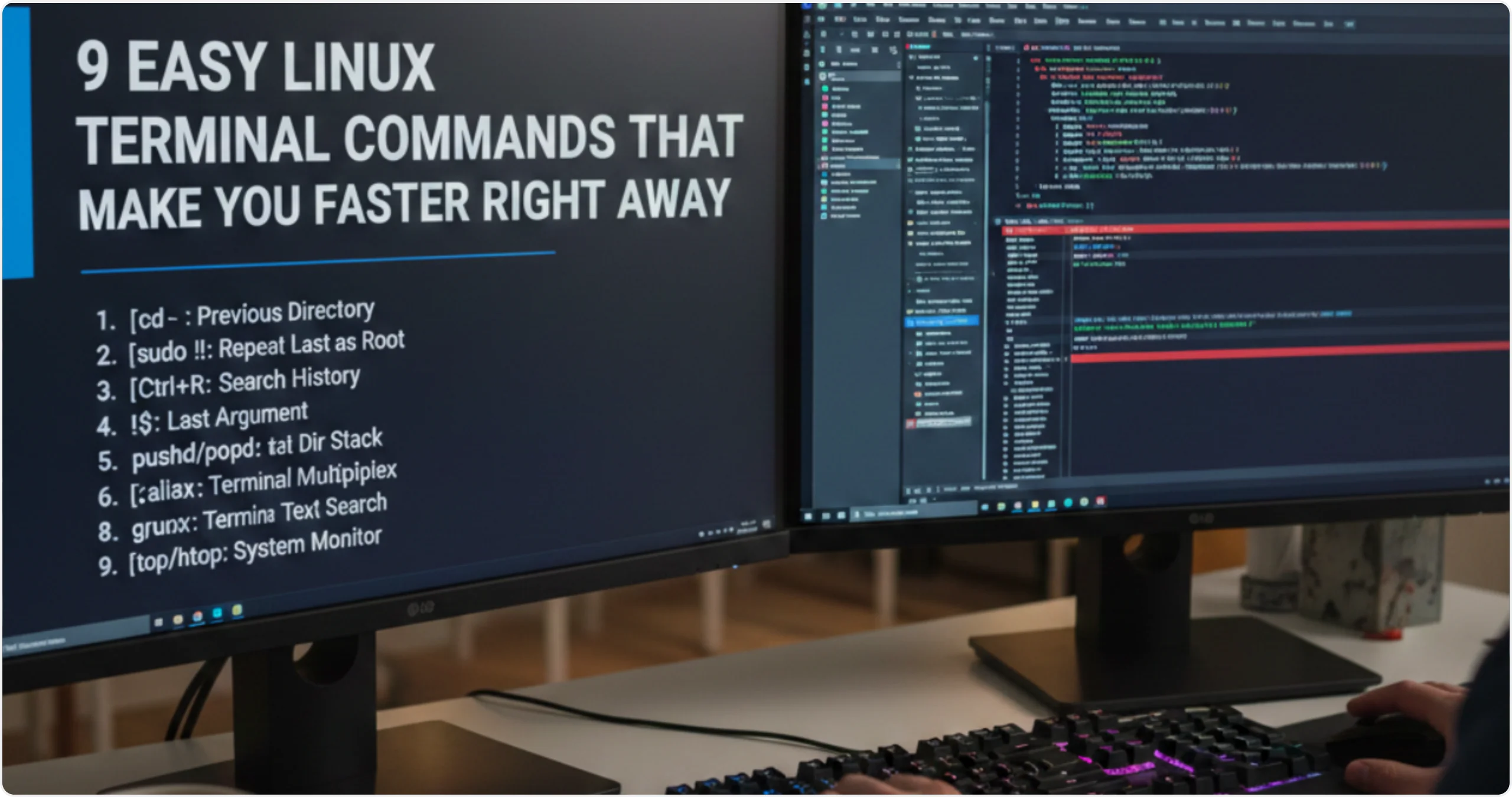
- Learn Basics – Familiarize yourself with the terminal and package managers.
👉 You can also install Linux on a virtual machine using VirtualBox or VMware to test it safely.
Final Thoughts
Linux is more than just an operating system — it’s a philosophy of openness, freedom, and control. Whether you’re looking to revive an old computer, build enterprise-level systems, or take full control of your digital life, Linux offers a powerful, secure, and free alternative to mainstream operating systems.